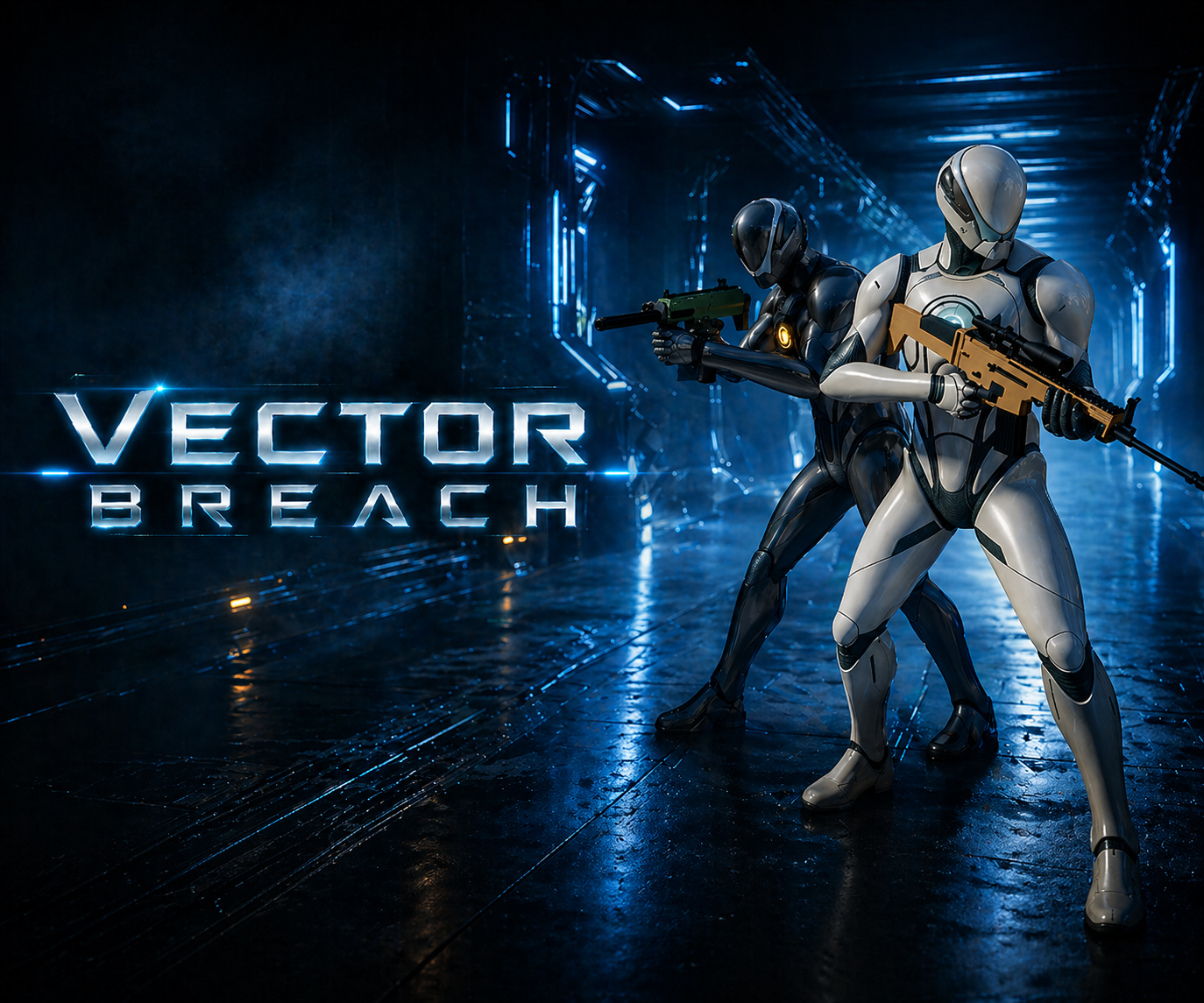
Vector Breach
A downloadable game for Windows
Vector Breach is a fast-paced sci-fi FPS prototype built in Unreal Engine 5, focused on responsive combat, futuristic weapons, and a clean audio implementation workflow.
This project was developed as an audio redesign and implementation showcase using a licensed Unreal Engine FPS template. My work focused on rebuilding the sound experience from the ground up with MetaSounds, Blueprint audio logic, submix routing, reverb systems, dynamic mixing, and final gameplay balancing.
🎵 My Role & Audio Work
📢 Audio Design & Implementation
Redesigned and implemented the full game audio pass, including weapons, Foley, impacts, footsteps, UI, ambience, and music events.
Built MetaSound systems for weapon shots, reloads, Foley layers, impacts, footsteps, and UI feedback.
Created an indoor / outdoor reverb setup using submix sends, convolution reverb, algorithmic reverb, and Blueprint-controlled switching.
Implemented dynamic mix behaviour using Sound Classes, Sound Mixes, submix routing, environmental ducking, and final limiter control.
Balanced asset loudness, bus levels, and final gameplay mix using Unreal Audio Insights and external loudness checks.
🎛 Tools & Techniques Used
✔ Unreal Engine 5 – Audio implementation, Blueprint integration, submix routing, and final build setup.
✔ MetaSounds – Procedural audio playback, randomisation, layering, and reusable sound systems.
✔ Blueprints – Audio hooks, reverb switching, weapon logic integration, and dynamic mix triggers.
✔ Sound Classes / Sound Mixes / Submixes – Routing, balancing, ducking, reverb sends, and final mix control.
✔ Ableton Live – Sound design, editing, layering, loudness preparation, and final asset polishing.
🎧This project includes a full audio implementation breakdown covering the Unreal Engine audio systems built for Vector Breach.
The document covers:
- MetaSound weapon, footstep, ambience, UI, and gameplay-feedback systems
- Blueprint audio integration
- local vs world/TPP playback decisions
- SoundClass and Submix routing
- dynamic SoundMix behaviour
- reverb and interior/exterior presentation
- Audio Insights validation
- asset audit and cleanup workflow
Download:
- Vector Breach — Audio Implementation Master Document v1.1 - https://docs.google.com/document/d/1mwsPqBmqp5IOlQpy5E1L7uokce5clfyG/edit?usp=dr...
- Vector Breach— Audio Audit Appendix Workbook - https://docs.google.com/spreadsheets/d/1gaGjbCHHyrN8IfHbzNz7fMWKt9wh1HQ7/edit?us...
📂 Features
🔫 Sci-Fi FPS Combat – Weapon switching, reloads, impacts, footsteps, UI, and combat feedback.
🎧 Full Audio Redesign – Custom sound pass focused on clarity, punch, and gameplay readability.
🎛 MetaSounds Implementation – Weapon, Foley, impact, UI, and ambience systems built inside Unreal.
🏢 Indoor / Outdoor Reverb – Environment-aware reverb system using convolution and algorithmic processing.
📊 Dynamic Mix Systems – Combat ducking, low-health mix behaviour, submix routing, and final limiter control.
🎮 Audio Portfolio Build – Designed to demonstrate Unreal Engine audio implementation without middleware.
🎮 Controls
WASD – Move
Mouse – Aim & Shoot
Space – Jump
R – Reload
Mouse Wheel / Number Keys – Switch Weapons
Esc – Pause
Download
Install instructions
📥 How to Download & Play
Download the Windows build by clicking the button above.
Extract the ZIP file to a folder of your choice.
Open the Vector Breach folder.
Run the game by opening VectorBreach.exe.
If Windows shows a security prompt, choose to run the application.
Recommended:
🎧 Headphones or stereo speakers for the intended audio presentation.